Crosshairs
Much more than command-shift-4. Get dimensions, take screenshots.

Or download a 10-day free trial
Features
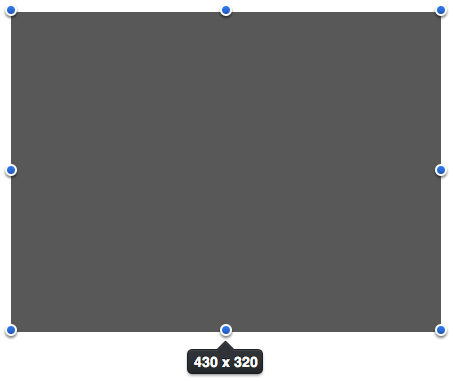
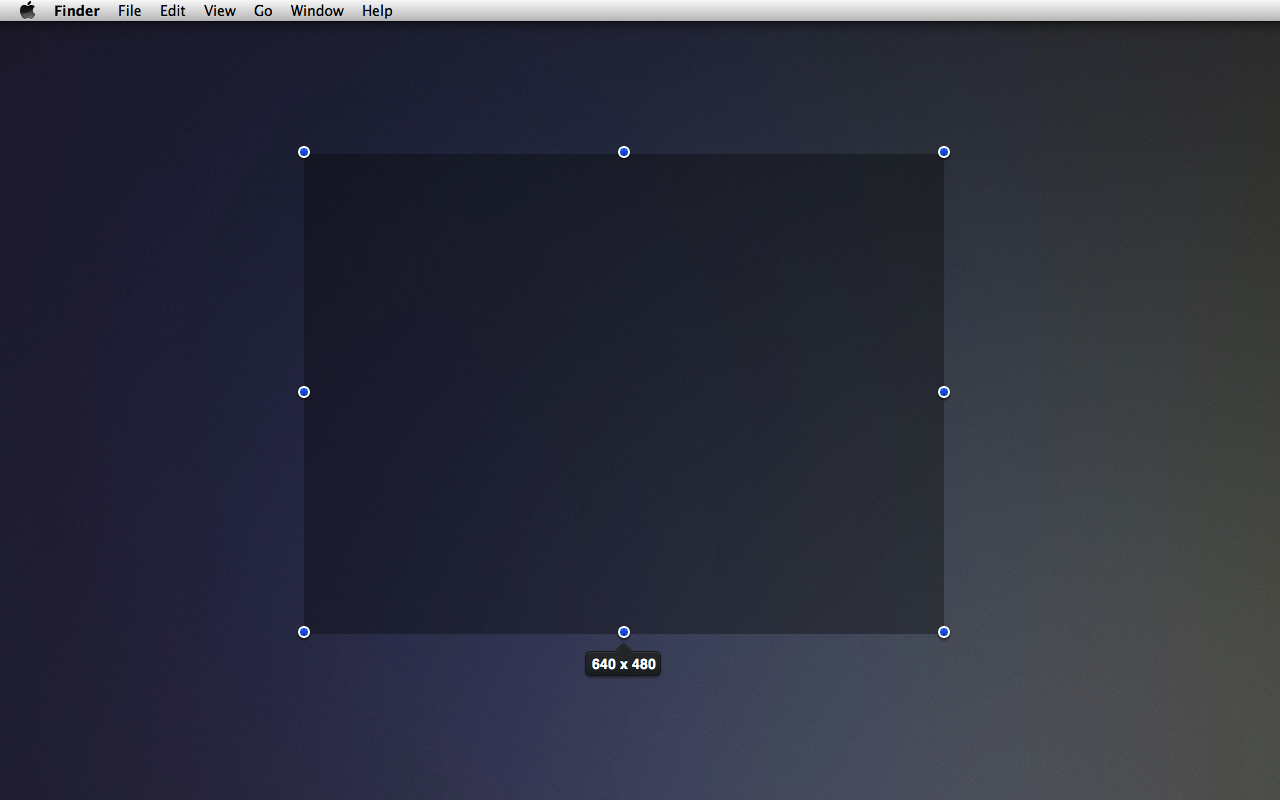
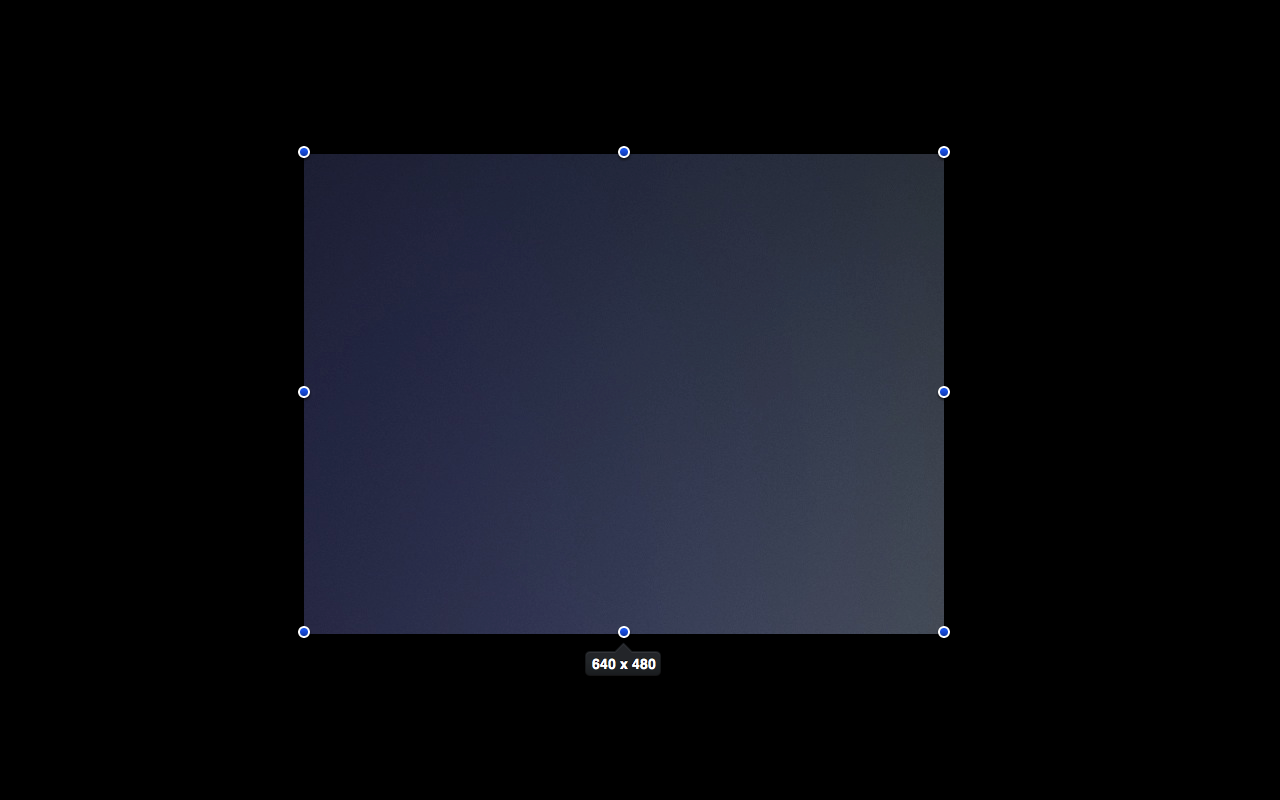
Crosshairs is a screen ruler app for quickly getting the dimensions of anything on your screen. You can drag a transparent overlay overtop of any app and adjust the box as much as you need. No more taking a screenshot just to get the size of something.
Crosshairs is also an excellent screenshot tool. Just hit space bar at anytime and a screenshot of the current selection will be saved to the desktop.
- Activate the app with global hotkey, which is customizable
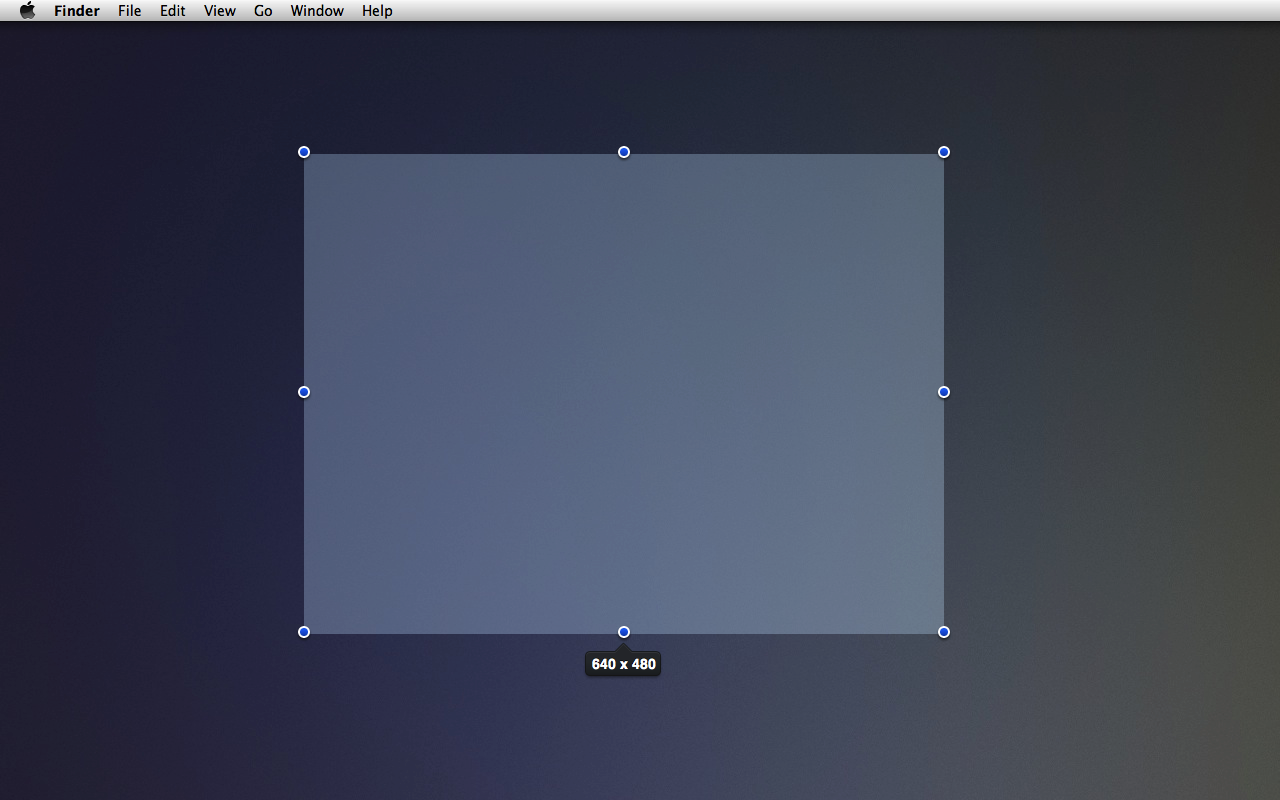
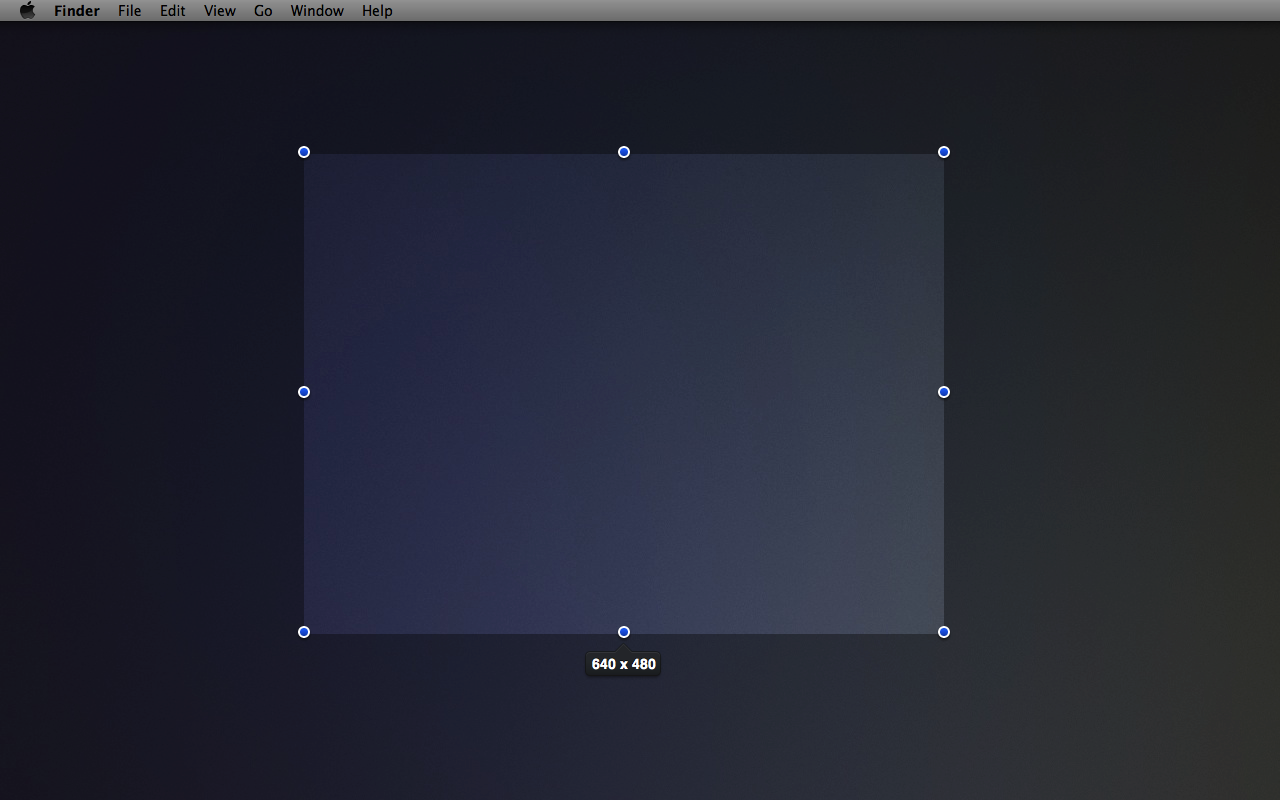
- Switch between overlay colors
- Inverted mode that fills background instead of overlay
- Dynamically adjust the opacity of the overlay
- Copy dimensions directly to your clipboard
- Can customize the format of the dimensions to suit your needs
- Take a screenshot of the area beneath the overlay
- Make pixel perfect adjustments with the keyboard
Keyboard Shortcuts
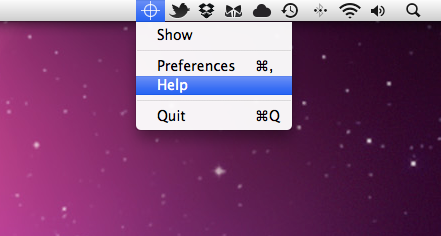
Crosshairs is a menu bar app and has a very minimal interface. Most of the app's features are controlled via keyboard shortcuts. There is a full list available on the help page